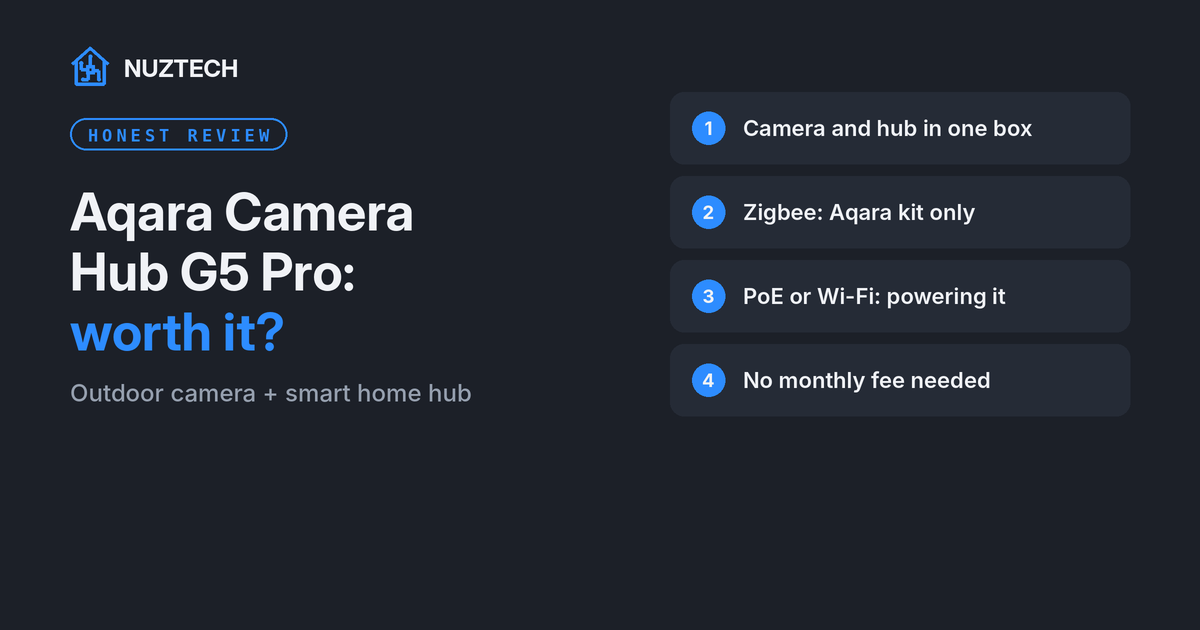
Aqara Camera Hub G5 Pro First Look: Outdoor Camera and Smart Home Hub in One
Quick verdict: a cracking outdoor camera with a proper smart home hub built in — but only buy it if you want both jobs done, and only if you’re happy living in Aqara’s world. Get the PoE version if you can run a cable.
A quick word on what this post is: it’s a first look, based on Aqara’s specs and published reviews, not a hands-on test.
I’ve lost count of the boxes I’ve screwed to walls that promised to “do it all”. Most of them do one thing well and the rest badly. So when Aqara said their Camera Hub G5 Pro was an outdoor security camera and a Matter controller, Thread border router and Zigbee hub in one, my eyebrow went up a fair bit.
It’s been on sale since early 2025, the firmware’s had time to settle, and prices vary a lot between shops, so shop around. So here’s the honest version — what it does well, where it’ll catch you out, and the bits nobody else mentions, like how you actually get power to the thing.
What it actually is
Two boxes in one: a 4MP outdoor camera, and a hub that ties your other smart kit together. It comes in two flavours that look identical — one on Wi-Fi, one on Power over Ethernet (PoE).
| Wi-Fi version | PoE version | |
|---|---|---|
| Connection | Dual-band Wi-Fi (2.4 / 5 GHz) | Wired Ethernet |
| Power | USB-C, 5V 2A | PoE (802.3af) or USB-C, 5V 2A |
| Video | 2688×1520 (2.6K), 133° view, f/1.0 lens | Same |
| Weatherproofing | IP65, –30°C to +50°C | Same |
| Onboard storage | 8GB built in, no microSD slot | Same |
| Rough UK price | About £175 (shop around) | About £195 (shop around) |
Prices bounce about with sales, so check before you buy — I’ve seen the Wi-Fi model well under list. The PoE model has historically been about £20 dearer. Prices checked on 3 November 2026.
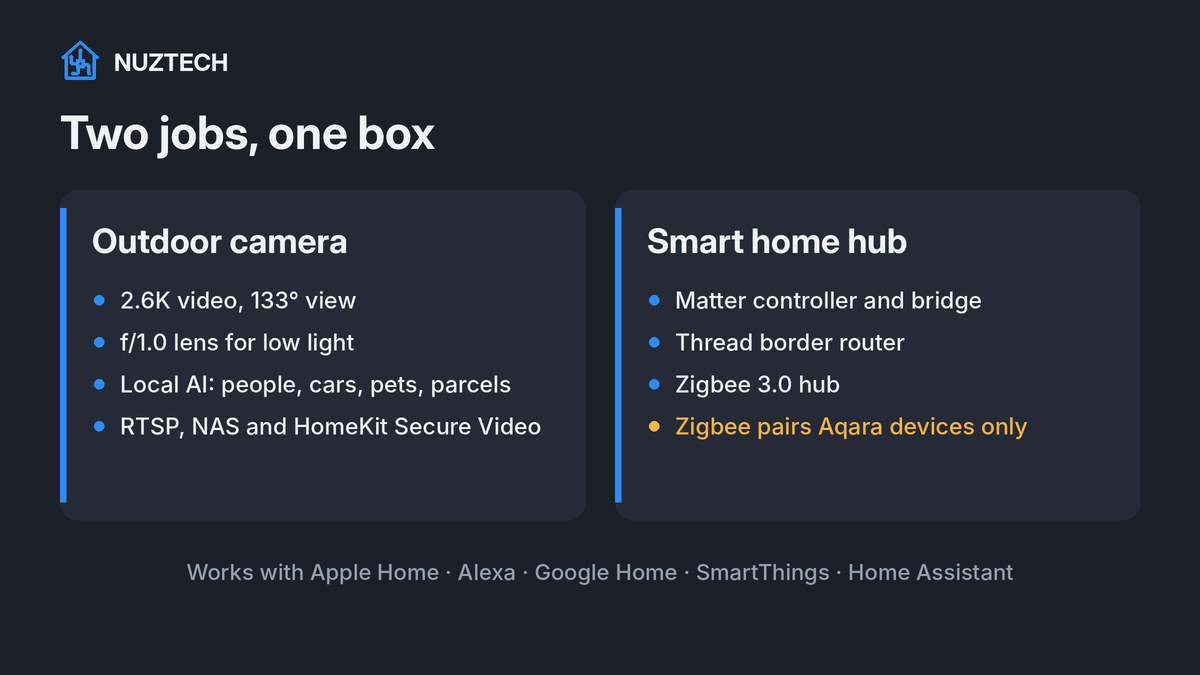
On the hub side it’s a Matter controller, a Matter bridge, a Thread border router and a Zigbee 3.0 hub. It plays with Apple Home (including HomeKit Secure Video), Alexa, Google Home, SmartThings and Home Assistant.
The good bits
One less hub under the telly. If you’ve got Aqara sensors, the G5 Pro can be their hub and pass them through to Apple Home, Google Home or Home Assistant. That’s one less small white box and one less plug in the extension lead.
Proper low-light video. The f/1.0 lens and big 1/1.8″ sensor pull in a lot of light. Where there’s a street lamp or porch light, you’ll often get colour footage at night without the spotlight firing. Daytime picture is sharp and clear across reviewers.
Local AI that’s actually local. It picks out people, vehicles, pets and parcels on the camera itself, not on a server somewhere. That means fewer alerts every time a moth flies past the lens or it pours with rain.
It doesn’t lock your footage in. You get RTSP streaming, so you can feed it straight into Frigate, Blue Iris or Home Assistant. It can record 24/7 to a NAS on your network, and that footage plays back in your NAS app, not the Aqara app. HomeKit Secure Video works too.
Automations that make sense. Because the camera and hub are the same box, you can do things like “unknown face at the side gate after dark — garden lights on, back door locked” without anything going out to the cloud.
The catches
The Zigbee hub only talks to Aqara. This is the big one most write-ups skip. It’s a Zigbee 3.0 hub, but it’ll only pair Aqara’s own Zigbee devices. Your IKEA bulbs or Sonoff switches won’t join it. Third-party gear has to come in over Matter instead.
Your hub lives outside. Zigbee and Thread are low-power radios. Stick the hub on an outside wall and the signal has to get back in through brick, cavity and maybe foil-backed insulation. Devices on the far side of the house can struggle unless you’ve got mains-powered Aqara kit inside acting as repeaters.
Colour night vision needs the spotlight. It does colour night vision with a 3W warm-white spotlight. In proper pitch dark, it needs that light to see in colour. Great for scaring off an opportunist thief, not so great if you want discreet recording or your camera faces the street.
Fixed view. 133° is wide, but it doesn’t pan or tilt. A long driveway or a big garden might need two.
Face recognition takes effort. You upload photos of the people you want it to know. It doesn’t learn faces by itself.
Don’t buy it for Matter cameras yet. Matter now has proper camera support. At the time of writing, Matter video is only on the G350; Aqara hasn’t promised it for the G5 Pro.
The sparky’s bit: getting power to it
This is where reviews go quiet and I get loud. Neither version has a battery, so it needs a permanent feed — and how you do that matters more than any spec.
PoE is the one I’d fit. One Ethernet cable carries both data and power, at extra-low voltage. No socket needed on the outside wall, no Wi-Fi drop-outs, and a rock-solid feed for HomeKit Secure Video or Frigate. You need a PoE switch or injector to the 802.3af standard, which is cheap and common.
The Wi-Fi version still needs a cable. “Wi-Fi” means wireless data, not wireless power. It runs off a 5V USB-C supply, so you’re still getting power out to it somehow.

A few things from the van:
- The camera is IP65. The plug isn’t. Don’t run an indoor USB plug out of a window or leave it in a bag on the wall. Use a proper outdoor-rated enclosure or socket.
- Need a new outdoor socket? Get a qualified electrician. Outdoor sockets need RCD protection, and it’s not a job for a Sunday afternoon with a YouTube video. Whether an outdoor socket also needs notifying depends on where you live: my guide to Part P and extra sockets on Flowloch, my own site, covers England, Wales and Scotland.
- Use external-grade cable outside. Indoor Cat6 goes brittle in sunlight. Buy the outdoor stuff.
- Leave a drip loop. Let the cable dip below the camera before it rises to the entry point, so rain runs off rather than following it in.
- Mount it under the soffit. IP65 copes with rain, but a bit of shelter keeps the lens clear on grey, wet days. It’s rated down to –30°C, so a Scottish winter won’t trouble it.
- Check your Wi-Fi out there first. Stand where the camera will go with your phone. If the signal’s poor, the Wi-Fi model will be too.
Subscriptions and storage: do you have to pay monthly?
No — and that’s to Aqara’s credit, eventually. You can run this camera without paying a penny a month.
Here’s how storage works:
- Onboard: 8GB built in. No microSD slot, so you can’t add more.
- Your own NAS: records 24/7 to a network drive at home. That footage plays back in your NAS app, not the Aqara app.
- RTSP: stream it to Frigate, Blue Iris or Home Assistant and keep everything in-house.
- HomeKit Secure Video: encrypted clips in iCloud. You’ll need an iCloud+ plan for that, so it’s not free if you’re not already paying Apple.
Credit where it’s due: after owners asked for it, Aqara added 24/7 NAS recording in a 2025 firmware update. That’s how it should be. Still, I’d turn off any upsell notifications the minute you set it up.
Before you point it at the street: UK CCTV rules
A 133° lens sees a lot, so think about where it’s pointing. Under the ICO’s guidance on domestic CCTV, if your camera only covers your own property and garden, data protection law doesn’t apply. Once it picks up the pavement, the road or next door’s garden, it does.
That makes you a “data controller”. In plain terms:
- Have a good reason for filming beyond your boundary.
- Put up a sign saying recording is taking place.
- If someone asks for footage of themselves, you normally have a month to respond.
The easy fix is to angle the camera so it only sees your own patch, and use any privacy-zone setting in the app to black out the rest. Same goes for that spotlight — point it at your path, not your neighbour’s bedroom window.
Pros and cons at a glance
| Pros | Cons | |
|---|---|---|
| Hub | Matter controller, Thread border router and Zigbee hub in one box | Zigbee only pairs Aqara devices; hub sits outside, so indoor range can suffer |
| Video | Sharp 2.6K, wide 133° view, strong low-light colour | Fixed view, no pan or tilt; full dark needs the 3W spotlight for colour |
| Smarts | Local AI for people, vehicles, pets and parcels; few false alerts | Face recognition needs manual photo uploads |
| Storage | 8GB onboard, NAS (including 24/7), RTSP, HomeKit Secure Video | No microSD; HomeKit Secure Video needs iCloud+ |
| Fitting | PoE version runs on one cable; rated –30°C to +50°C | Wi-Fi version still needs a 5V power feed outdoors |
| Platforms | Apple Home, Alexa, Google Home, SmartThings, Home Assistant | No direct Matter video streaming on this model |
Final verdict: would I buy one?
Yes — if it fits how your house is set up. It’s one of the few gadgets that genuinely earns the “two in one” label.
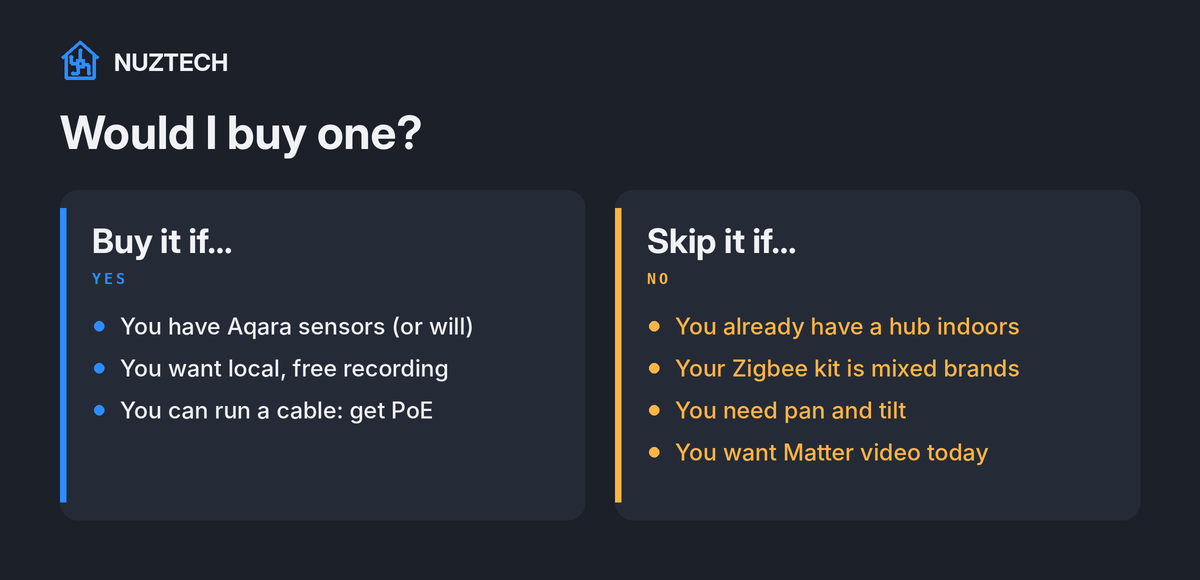
Buy it if:
- You’ve got Aqara sensors, or plan to, and want one box to run them.
- You want local, subscription-free recording that you control.
- You can get a network cable out there. Then buy the PoE version and thank me later.
Skip it if:
- You’ve already got a hub indoors (an Aqara M3, a HomePod, a Home Assistant box). Then you’re paying extra for hub features you won’t use, and a plain outdoor camera will do.
- Your Zigbee kit is a mix of brands. It won’t pair them.
- You need a camera that follows movement across a wide space, or you want Matter video streaming today.
Smart home tech should make life easier, not hand you another monthly bill and another box to find a plug for. On that score, the G5 Pro does better than most — just wire it properly.
Weighing up a full alarm instead of (or as well as) a camera? Here’s what the SimpliSafe Windsor really costs once monitoring’s added.